
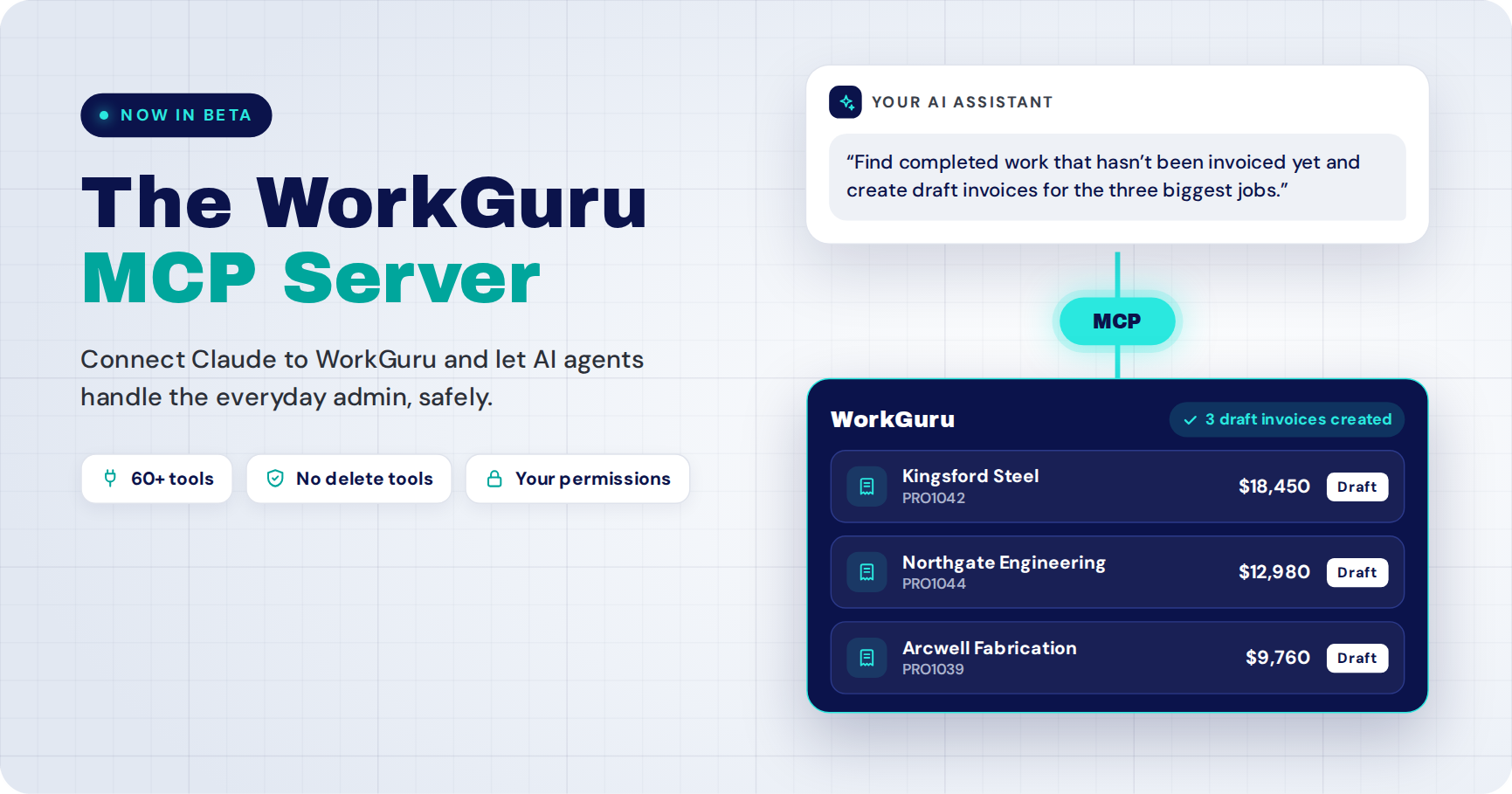
WorkGuru now has an MCP server, so AI assistants like Claude can connect to your WorkGuru account and do real work in it. It’s live in beta now, with ChatGPT and other assistants following shortly.
Your agent can accept a quote, receive a purchase order, raise a draft invoice, log time against a job or find a client’s phone number. It can’t delete anything. That’s a deliberate design choice, and this post explains why, along with the other rules we built it around.
The short version:
- What it is: a secure connection between AI assistants and your WorkGuru data, built on the open Model Context Protocol (MCP).
- What it does: reads your jobs, quotes, stock, invoices and contacts, and carries out everyday admin tasks for you.
- What it can’t do: delete data, through the MCP or through the API when we detect an agent is calling it.
- Who controls it: admins decide who can connect an agent, and an agent never gets more access than the person who connected it.
- How to get it: ask to join the beta.
What is an MCP server?
An MCP server is a standard connection that lets an AI assistant use a piece of software on your behalf. MCP stands for Model Context Protocol. It’s an open standard, first released by Anthropic, that Claude, ChatGPT and a growing list of other AI tools support.
Think of it as a set of tools your software offers to an AI. Each tool does one clear job, such as “find a project” or “receive stock against a purchase order”. The AI reads your request, picks the right tool, and WorkGuru does the work.
Without MCP, your AI assistant can only talk about your business. With MCP, it can look things up in WorkGuru and take action, inside rules WorkGuru sets.
What can your AI agent do in WorkGuru?
The WorkGuru MCP server launches with more than 60 tools across quoting, projects, purchasing, stock, timesheets, invoicing and your client base. Your agent can look things up, and it can do the everyday admin that eats your week.
| Area | Look up | Take action |
|---|---|---|
| Quotes | Find quotes, read line items and totals, list quotes waiting on a reply | Create a draft quote, add or change lines, issue it, email it to the client, revise it, accept it into a project |
| Projects and jobs | Get the full picture of a job, its tasks, materials, notes and financials; find jobs running late | Create a project, add tasks and materials, assign staff, update statuses and due dates, add notes |
| Purchasing and stock | Check stock on hand by warehouse, find upcoming shortages and who supplies them, read purchase orders | Draft and approve purchase orders, receive deliveries, book stock out to a job |
| Timesheets | Read logged time by job or person; find days with no time logged | Log hours against a project task |
| Invoicing | Search invoices, find work done but not billed, see who owes you and how overdue it is | Create a draft invoice, approve it, email it to the client |
| Clients, suppliers and sales | Get a client’s history, contacts and notes; search leads | Create and update clients, suppliers and contacts; create leads and log notes against them |
It can also read takeoff line items from drawings and spec documents, which feeds straight into building a quote.
Notice what’s missing: there is no delete tool anywhere in that list.
How we decided what the MCP server can do
Since launch, the most common question has been how we chose what agents are allowed to do. Every tool had to pass four principles: do no harm, still be useful, keep the business process ours, and never give an agent more access than its user.
1. Do no harm
Data loss is the worst thing that can happen to a business system, so we took deletion off the table entirely. No agent can delete anything through a WorkGuru MCP tool.
We also closed the side door. If an agent is pointed at the WorkGuru API instead of the MCP, and we detect the call is coming from an agent, delete endpoints are blocked there too. Nobody wakes up to find an over-eager agent has bulk-deleted their database.
Where a workflow would normally involve removing something, the agent takes a safe path instead. Revising a quote, for example, creates a new draft and retires the original rather than deleting it.
2. Still be useful
A read-only connection is useful for reports, but that’s not where AI saves you time. The time goes on admin: raising the invoice, receipting the PO, getting a quote out the door.
So we built tools that let an agent act as a base-level admin wherever the risk is low enough. Much of it runs draft-first. The agent can create a draft quote, invoice or purchase order, and approving it is a separate, deliberate step.
3. We own the business process
An action taken by an agent goes through exactly the same business logic as the same action taken by a person in the WorkGuru app. Same validation, same status changes, same audit trail, same outcome.
When an agent accepts a quote, it creates the project or stock sale the same way the app does. When it receives a delivery, stock levels update the same way. There’s no shortcut path for AI, which means there’s no second set of rules to go wrong.
4. The agent inherits, at most, user-level permissions
When you connect an agent to WorkGuru, you choose its permission scopes: whether it can read, write, or both, and which areas of your data it can touch.
Those scopes are capped at your own permissions. If you can’t see financials in WorkGuru, neither can your agent.
There’s a second layer above that. An admin has to grant a user permission to connect an AI agent in the first place. The business decides whether agents are allowed, and each person decides how much their own agent can do.
What this looks like in practice
You talk to your agent the way you’d talk to an office admin who knows WorkGuru inside out. A few examples:
-
Chasing quotes
“Which quotes did we send more than two weeks ago that haven’t been answered? Draft a follow-up for each.”
-
Monday job review
“Show me every open job with an overdue task, who’s assigned, and the client contact.”
-
Stock planning
“What stock will we run short on for jobs due before the end of the month, and who supplies it?”
-
Goods in
“The Reece delivery for PO 2291 arrived, all lines except the 20mm fittings. Receive it.”
-
Billing
“Find completed work that hasn’t been invoiced yet and create draft invoices for the three biggest jobs.”
-
Timesheets
“Who hasn’t logged time this week?”
-
On the road
“What’s the site contact’s number for the Archerfield job?”
Each of these runs through WorkGuru’s normal business rules, under your permissions.
Which AI assistants work with WorkGuru?
Claude is supported today. ChatGPT and other MCP-compatible assistants are being added next.
How to join the beta
The WorkGuru MCP server is in beta, and we’re adding customers in batches.
- Ask your WorkGuru admin to enable AI agent connections for your user.
- Request to join the beta — or contact your WorkGuru account manager.
- Follow the setup guide to connect your AI assistant and choose its permission scopes.
Full documentation, including every tool and its permissions, is in the WorkGuru MCP docs.
Keep exploring
- Blog WorkGuru Public API launch How developers connect WorkGuru to other systems in code.
- Docs WorkGuru API docs Endpoints, authentication and setup for developers.
- Docs WorkGuru MCP docs Every tool, its permissions and how to connect your AI assistant.
- Beta Join the MCP beta Email our team to request access and connect Claude to WorkGuru.
FAQS
Frequently Asked Questions
Can an AI agent delete data in WorkGuru?
No. The WorkGuru MCP server has no delete tools, and delete calls to the WorkGuru API are blocked when we detect they come from an AI agent.
Is the WorkGuru MCP server secure?
Yes. An admin must allow a user to connect an AI agent, the user picks the agent’s read and write scopes, and those scopes can never exceed the user’s own WorkGuru permissions.
Does an agent follow the same rules as my team?
Yes. Agents use the same business logic as the WorkGuru app, so an action taken by an agent has the same validation, outcome and audit trail as one taken by a person.
Can my agent send quotes and invoices to clients?
Yes, if you give it write access. Quotes, invoices and purchase orders are created as drafts first, so you can review them before they’re issued or sent.
Does it work with ChatGPT?
Claude is supported now. ChatGPT and other MCP-compatible assistants are coming next.
What’s the difference between the MCP server and the WorkGuru API?
The WorkGuru Public API is for developers building integrations in code. The MCP server is built for AI assistants: you describe what you want in plain English and the agent chooses the right tool.
How much does it cost?
It’s free, and currently part of our Beta Program.