
Home / Features / Project Management / Project Templates
Projects & Jobs
Don’t start every job from scratch.
Start with the way you normally run the job. Then change whatever you need for this one.
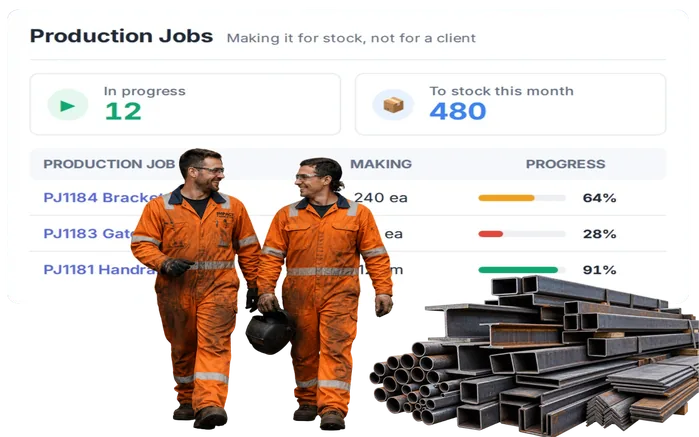
Overview
Start with what you already know.
Most jobs aren’t completely new.
You might build a different trailer every time, but there are still plenty of steps you know will need to happen.
Same with a service job, an install, a fabrication job or a machine rebuild.
A project template gives you a starting point.
Use the tasks and setup you already know. Then add things, remove things or change them to suit the job in front of you.
You’re not locked into the template. You’re just not starting with a blank page.
What’s inside
What you get
01
Reusable project setup
Keep the structure you regularly use and bring it into new jobs.
02
Tasks and setup
Start with the work you already know usually needs to happen.
03
Change it after you start
The template isn’t the finished job. Edit what you need once you’ve created it.
04
Add what’s different
This job needs another step? Add it.
05
Remove what you don’t need
Something doesn’t apply this time? Take it out.
06
Different templates for different work
A breakdown doesn’t need the same setup as a rebuild. An install doesn’t need the same setup as a fabrication job. Build starting points that make sense for the work you actually do.
The reality
You’ve done this kind of job before.
Someone has to remember how to set it up.
Which tasks do we normally add? What order do we do them in? Who usually needs to be involved?
The same setup gets entered over and over again.
Different customer. Different job. A lot of the same work getting it ready to go.
Something gets missed when the job is created.
A task that was on the last ten jobs somehow doesn’t make it onto this one.
Everyone sets jobs up differently.
One project manager adds plenty of detail. Another keeps everything in their head.
You copy an old job and inherit a bunch of old stuff with it.
Now you’re deleting customer-specific information and trying to work out what should actually stay.
And yes, every job is different.
That doesn’t mean every part of every job is different.
How it works
Give yourself a head start.
01
Build the starting point
02
Save it as a template
03
Create the new job
04
Make it fit
05
Get on with it
Capabilities
A starting point, not a set of handcuffs.
Capability
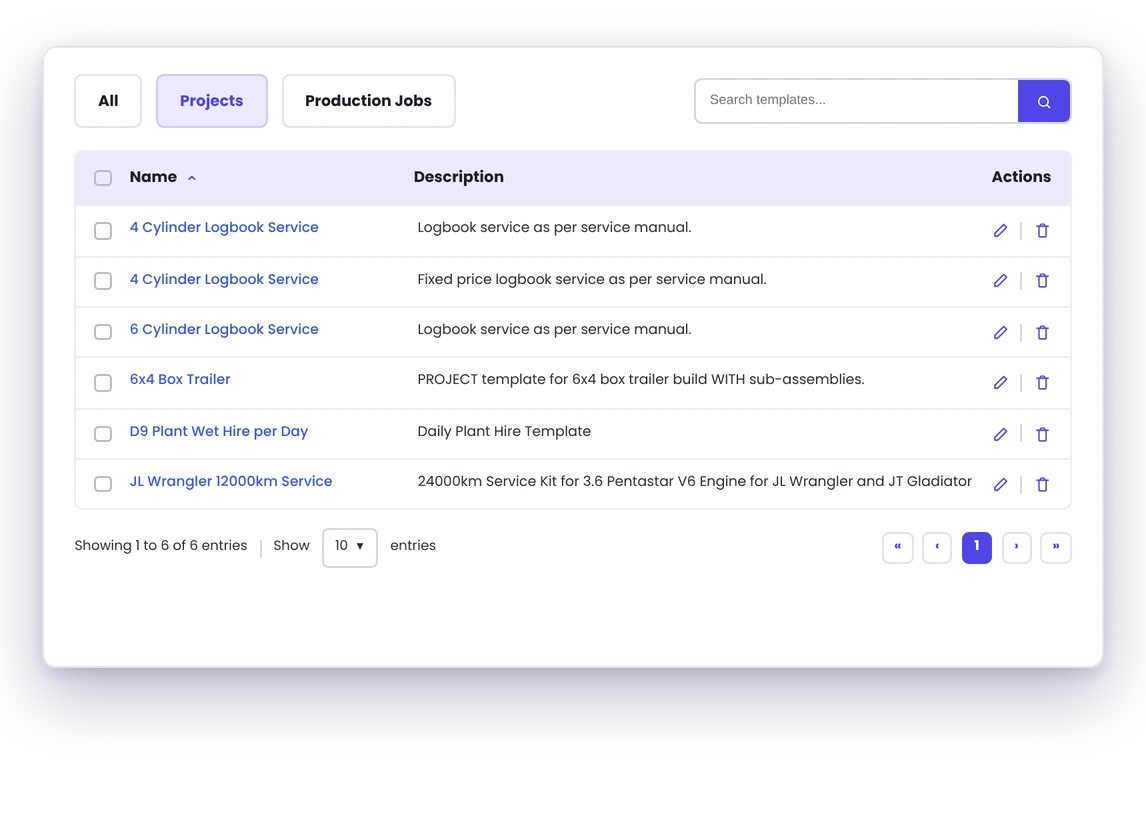
Reusable project setup
Keep the structure you regularly use and bring it into new jobs.
Capability
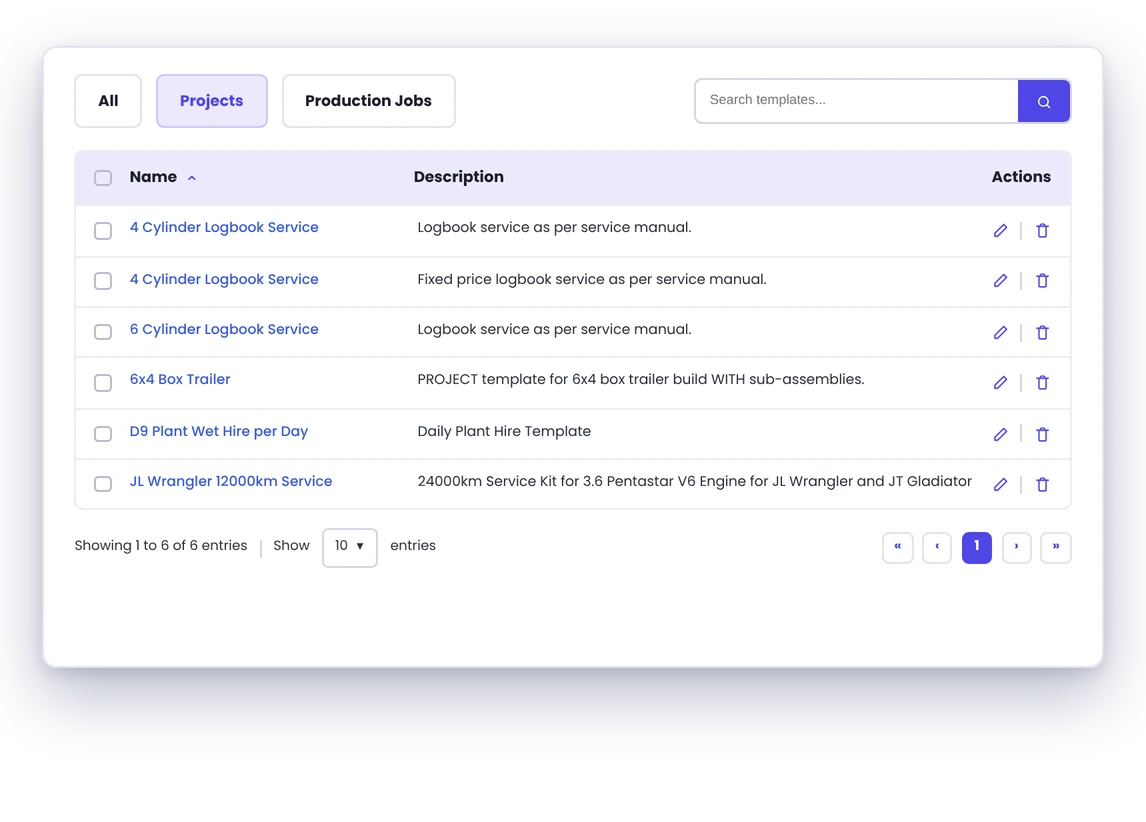
Tasks and setup
Start with the work you already know usually needs to happen.
Capability
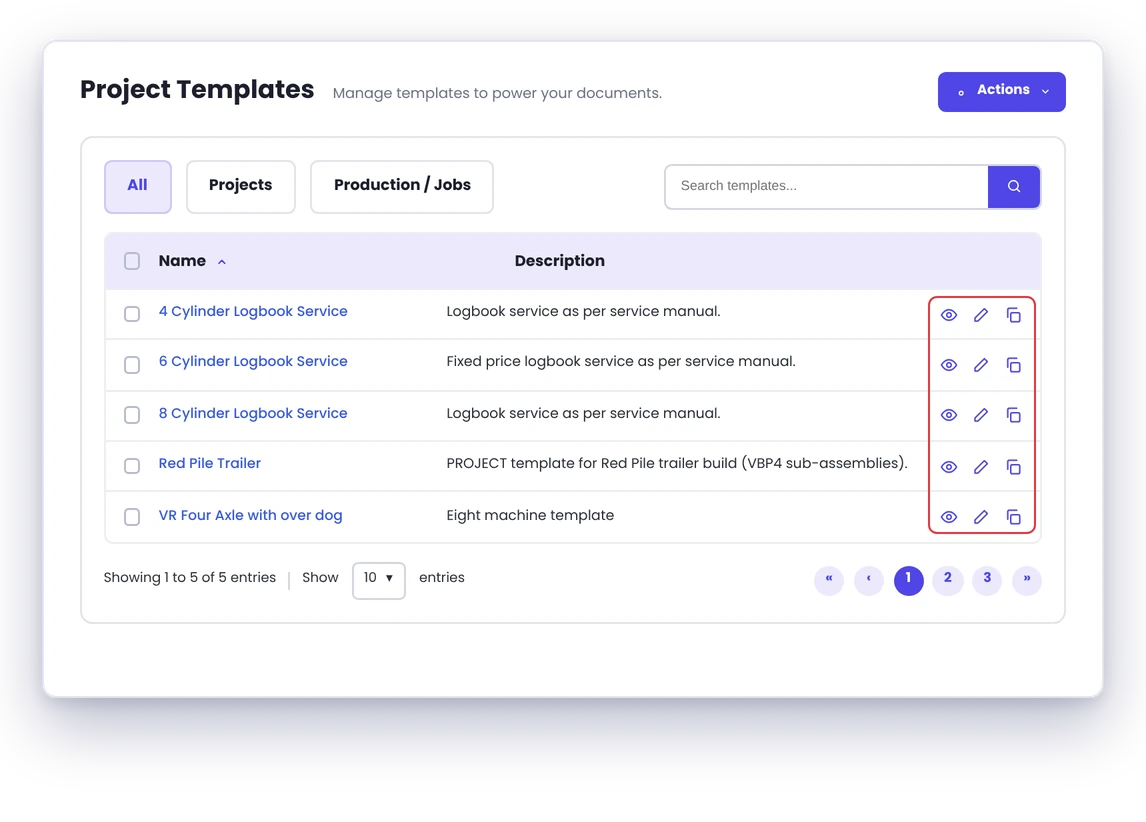
Change it after you start
The template isn’t the finished job. Edit what you need once you’ve created it.
Add what’s different
This job needs another step? Add it.
Remove what you don’t need
Something doesn’t apply this time? Take it out.
Different templates for different work
A breakdown doesn’t need the same setup as a rebuild. An install doesn’t need the same setup as a fabrication job. Build starting points that make sense for the work you actually do.
Day to day
What does that actually look like?
Another trailer job comes in.
Every trailer is a little different. But you’re still going through design, material ordering, cutting, fabrication, fitout, finishing and whatever else is normally part of your build. Start with that. Then change the tasks and details for the trailer you’re actually building.
You’ve got another scheduled service to do.
You already know the basic steps. Instead of relying on someone to remember them every time, start the job with those steps already there. If this service needs something extra, add it.
You’ve won another commercial install.
The site is different. The customer is different. The scope is different. But there are still parts of the job you do every time. Start there, then build out the things that are specific to this one.
You’ve learned something from the last few jobs.
There’s a step the team keeps missing. Add it to the template. Now the next job starts with it already there.
What you get out of it
What changes
Less setup.
Fewer things forgotten.
Get jobs ready quicker
Don’t rebuild the same basic job every time.
Give the team a consistent starting point
The things you normally need are already there.
Stop relying on someone’s memory
If it’s part of how you normally do the job, put it in the template.
Keep the flexibility
Change the job once it’s created. The template doesn’t decide how the job has to run.
Make what you’ve learned useful next time
If you find a better way to set the job up, improve the template.
Spend time on what’s actually different
Get the repeatable stuff out of the way and focus on the parts of this job that need attention.
-
Discovered their contract work wasn’t profitable.
We didn’t wanna pay 100 grand upfront for a program – but then we found WorkGuru.
Nick Mazzella, Administrator, Frontline Trays & Trailers
Fit
Will it work the way we do things?
“But our jobs are all different.”
That’s probably the main one.
“Every job we do is custom.”
That’s fine. A template doesn’t mean the jobs need to be identical. If 60% of the setup is normally the same, start with the 60%. Change the rest.
“We don’t want people locked into a process.”
They’re not. The template gets the job started. Change it once it’s created.
“Sometimes we need extra steps.”
Add them.
“Sometimes half the template doesn’t apply.”
Remove what you don’t need.
“We do a few completely different types of work.”
Use different templates. Your service jobs don’t need to start like your installs. Your small repairs don’t need to start like your major builds.
“Couldn’t we just copy an old job?”
You can, but an old job comes with the things that were specific to that job. A template is the useful starting point without all the old job’s baggage.
By trade
Useful anywhere some of the job repeats.
Works with
Templates get the job started. The rest happens from there.
Project Management
Turn the template into the real job and manage it from start to finish.
Task Management
Bring the usual tasks into the job, then change them as needed.
Scheduling
Take the work you’ve set up and work out when it’s going to happen.
Work Areas
Set up the work that needs to move through different parts of the shop.
Timesheets
Get the real hours onto the job once work starts.
Job Costing
See how what actually happened compares with what you expected.
Automations
Handle the repeatable reminders and handovers around the job.
FAQs
Project Templates questions
What is a project template?
It’s a reusable starting point for a type of job you do regularly. Instead of setting the job up from scratch, start with the things you already know you’ll probably need.
Does every job created from a template have to be the same?
No. Once you’ve created the job, change it to suit the work you’re actually doing.
Can we add things after using a template?
Yes. Add whatever the new job needs.
Can we remove things from the template for a particular job?
Yes. If something doesn’t apply to that job, remove it.
Can we have different templates for different types of jobs?
Yes. Set up different starting points for the different types of work you regularly do.
Are project templates useful if we do custom work?
Absolutely. Custom doesn’t necessarily mean every single part of the job is new. Use a template for the bits that repeat, then change the bits that don’t.
Should we use a template for every job?
Not necessarily. If it’s a one-off job and there’s nothing useful to start from, just set the job up normally.
Stop rebuilding the same job.
We’ll show you how project templates work, how much you can change, and how they’d fit the jobs you regularly do.