
Home / Features / Automations / Workflow Notifications & Updates
Feature
Tell the right person when the work changes.
Use workflow notifications and updates to keep handovers moving and reduce the repeat messages the office writes all day.
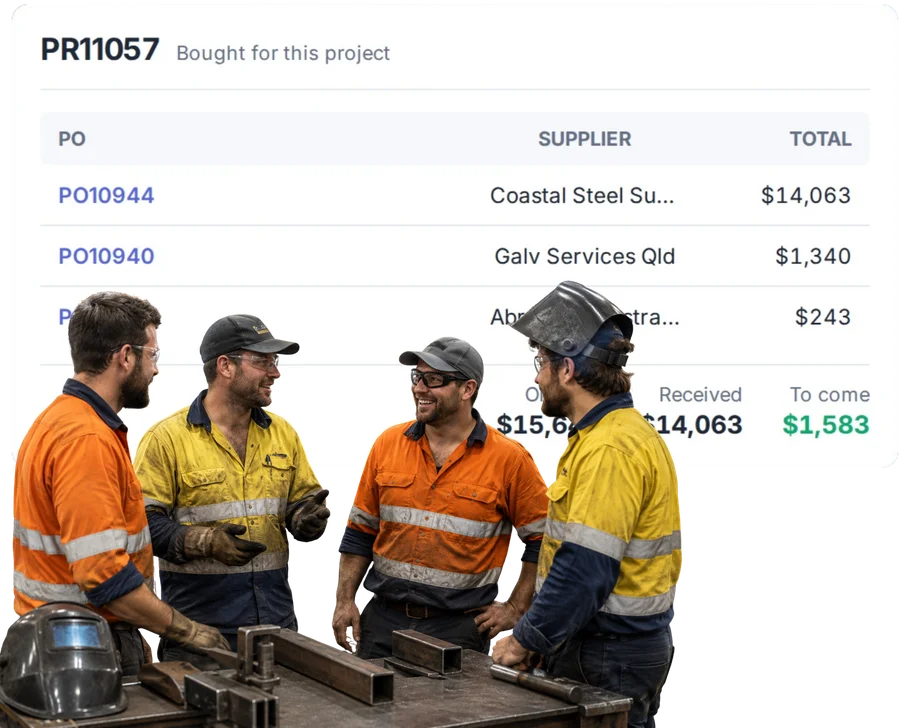
Overview
Automate the repeat work around the real work.
A lot of operational delay is really a communication delay.
The work is ready, but the next person does not know. The job changed, but the office is working from yesterday. The customer asks for an update the team already has.
Workflow notifications are intended to turn useful WorkGuru events into timely internal or customer communication. Exact channels, templates and automatic-send behaviour require product review.
What’s inside
What you get
01
Internal notifications
Tell staff when work needs their attention.
02
Customer updates
Support repeat progress communication where configured.
03
Invoice-ready alerts
Tell accounts when completed work needs billing review.
04
Approval notifications
Tell people when a decision is waiting or completed.
05
Schedule-related alerts
Keep relevant people across operational changes where supported.
06
Message context
Use the real WorkGuru record rather than a generic reminder where supported.
The reality
Why you need it
The next team does not know the work is ready.
The handover happened in someone’s head.
A schedule change is not communicated.
People keep working from the old plan.
Customers call for progress updates.
The business already knows the answer but has not sent it.
Accounts does not know the job is finished.
Completed work waits before billing starts.
Too many notifications become noise.
A useful workflow needs to tell the right person, not everyone.
How it works
How it works
01
Choose the useful event
02
Choose who needs to know
03
Set the message or alert
04
Send at the right moment
05
Review the noise
Capabilities
What it does
Capability
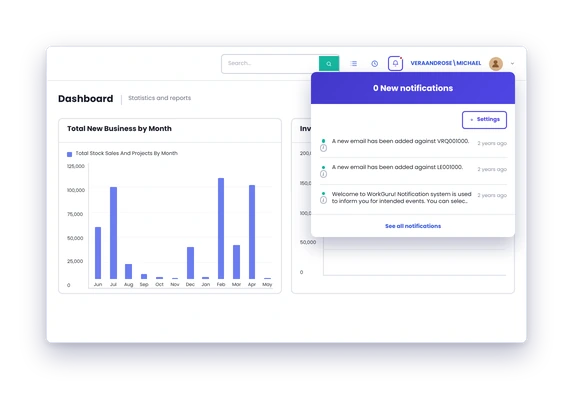
Internal notifications
Tell staff when work needs their attention.
Capability
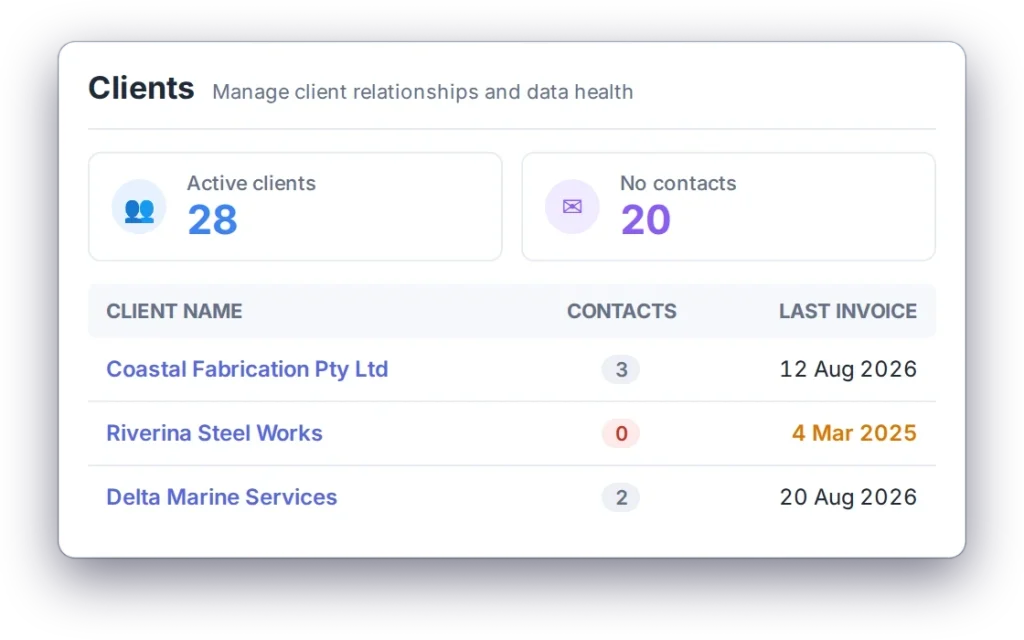
Customer updates
Support repeat progress communication where configured.
Capability
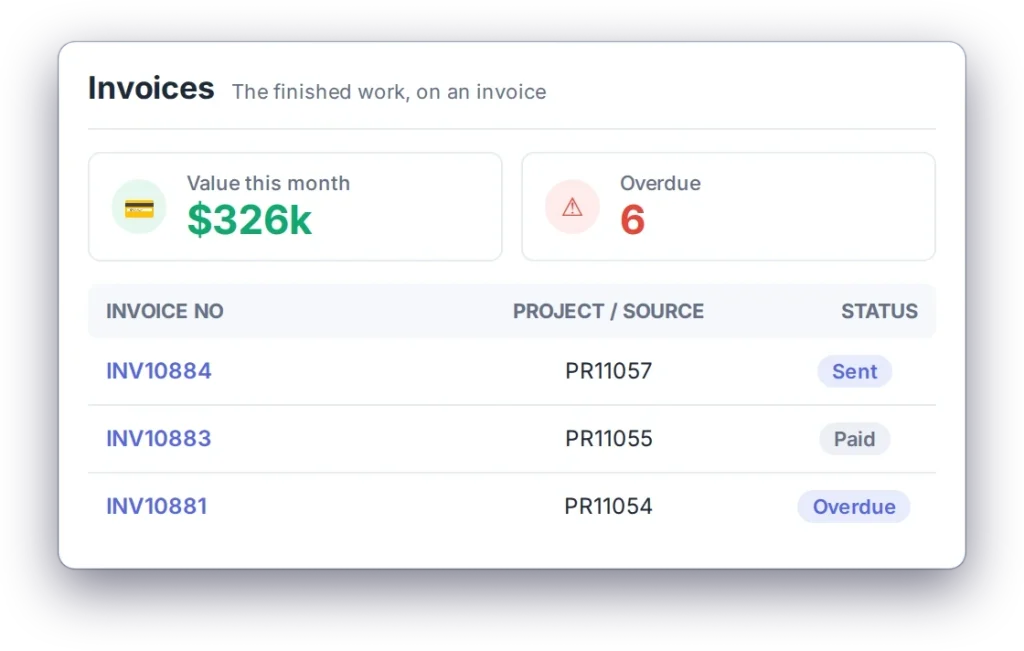
Invoice-ready alerts
Tell accounts when completed work needs billing review.
Approval notifications
Tell people when a decision is waiting or completed.
Schedule-related alerts
Keep relevant people across operational changes where supported.
Message context
Use the real WorkGuru record rather than a generic reminder where supported.
Day to day
What does that actually look like?
Fabrication is finished and assembly can start.
Notify the next team instead of relying on a walk across the shop.
A job date changes.
Tell the relevant people who need the new plan.
The job is complete.
Tell accounts the billing check can start.
A customer is waiting on progress.
Use a configured update workflow where the business wants repeat communication.
An approval is complete.
Tell the buyer or project owner the work can move.
What you get out of it
What changes
Make handovers faster
Tell the next person at the moment it matters.
Reduce phone tag
Stop chasing updates that the system already knows.
Keep customers better informed
Use repeat communication where it genuinely helps.
Shorten the gap to invoicing
Make completion visible to the office sooner.
Avoid notification overload
Keep alerts tied to useful operational events.
-
Discovered their contract work wasn’t profitable.
We didn’t wanna pay 100 grand upfront for a program – but then we found WorkGuru.
Nick Mazzella, Administrator, Frontline Trays & Trailers
Fit
Will it work the way we do things?
“We do not want customers spammed.”
Neither do we. External updates should be used only where the message is genuinely useful and the workflow is configured appropriately.
“Our team already uses chat.”
Keep it. The value here is triggering the right communication from the operational event, not replacing every communication tool.
“Too many alerts get ignored.”
Correct. Keep notifications narrow and remove anything that does not change what someone does next.
“Some updates need a person to explain them.”
Then keep the person involved. Automate the repeat messages, not the conversations that need judgement.
By trade
Where this gets used
Works with
Connected features
Scheduling
Use plan changes as notification context where supported.
Project Management
Use current job information for operational handovers.
Purchase Approvals
Tell buyers and approvers when decisions need action.
Client Management
Keep customer context around external updates.
Invoicing
Use completion to support the billing handover.
Automations
Control when and why the notification happens.
FAQs
Workflow Notifications & Updates questions
Can WorkGuru notify staff when work changes?
Notifications are a core workflow use case.
Can customers receive automatic updates?
Customer updates are part of the current workflow concept. Keeping customers informed is part of the job, and it’s usually the part that slips when the workshop gets busy. Automating the update means the customer hears from you before they have to ring and ask.
Can accounts be notified when a job is complete?
Invoice-ready notification is a current workflow use case.
Can notifications be limited to the right people?
That is the intended model. Notifications go to the people who need them. The point is fewer all-staff emails and more of the right person hearing the right thing at the right time.
Can we turn off noisy workflows?
Workflow management should support maintaining active automations. You can see what’s running and change it. An automation you can’t review or switch off becomes a liability the first time your process changes.
Stop making people ask whether anything changed.
Show us the handovers and updates your team repeats. We will show where a WorkGuru notification can remove the chase.