
Home / Features / Team & Security / Roles & Permissions
Team & Security
Not everyone needs the keys to everything.
Give people the access their job actually needs, without setting it up one person at a time.
Overview
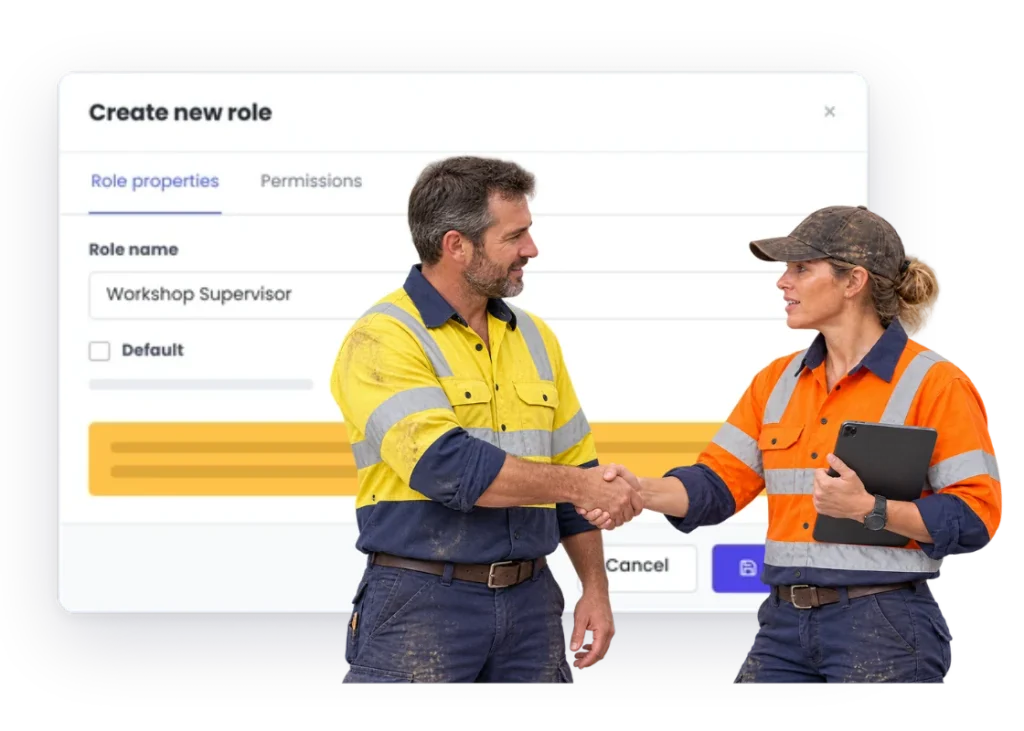
Control access around the work people are responsible for instead of giving everyone the keys to everything.
A role in WorkGuru is a central set of permissions you assign multiple users to. Rather than configuring each person from scratch, you define what a workshop user or an estimator or an office administrator can do once, and assign people to it.
That’s mainly about consistency. When permissions are set per person, they drift — the fifth person hired into the same job ends up with a slightly different set of access from the first four, and nobody notices until someone can’t do something they need to do, or can do something they shouldn’t.
Where an individual genuinely needs something different, you can set permissions on that specific user. User-level permissions override whatever the role grants, so the exception doesn’t force you to create a whole new role for one person.
Roles can be changed as the business changes. This isn’t a decision you have to get right at setup and live with.
What’s inside
What you get
01
Role-based access
02
Feature permissions
03
Project access
04
Project Chat participation
05
Administrative access
06
User changes
The reality
Why you need it
Workshop staff can see commercial information they never needed.
Not usually a security problem so much as a distraction and an awkwardness — margins, client rates, what the job is billed at. Access that matches the job removes the question without anyone having to have a conversation about it.
Office users get blocked from a process they are responsible for.
The opposite failure, and more common. Someone can’t do the thing their job requires, so a workaround appears: a shared login, or asking a colleague to do it for them. Both are worse than the access they were denied.
Permissions are set one person at a time and become impossible to remember.
The fifth person hired into a job ends up with a different set from the first four, and nobody notices until something breaks. Roles exist so that “what should this person be able to do” is answered once for the job, not repeatedly for each individual.
Project conversations include people who should not be there.
Job discussions carry commercial detail and occasionally frank opinions. Who’s in the conversation should be a decision rather than an accident of who was added when the job started.
A role changes but the access still reflects the old job.
Promotions and moves happen; access changes rarely follow on the same day. Over a few years that produces a handful of people with far broader access than their current role warrants, and nobody can say why.
Nobody wants to touch the permission setup because nobody remembers why it was built that way.
The end state of per-person configuration. A small number of named roles is legible — you can look at it and understand the intent — which is what makes it maintainable by whoever comes next.
How it works
How it works
01
Work out the few roles your business actually has
02
Decide what each role needs to see and do
03
Apply access around those responsibilities
04
Use project-level participation where the work needs a smaller audience
05
Change the setup when the business changes
Capabilities
What it does
Capability
Role-based access
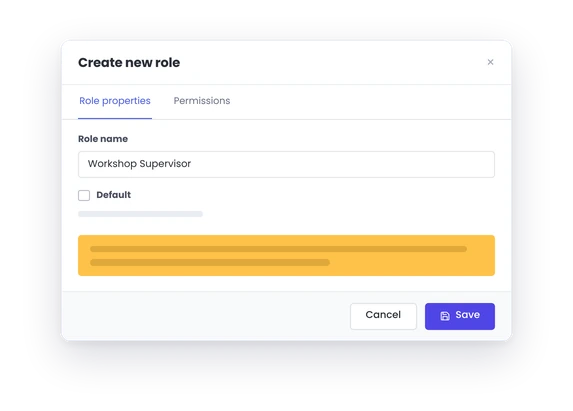
A role is a central set of permissions that multiple users share, so everyone doing the same job gets the same access without being configured one at a time. It also means adding the next person is a single choice rather than a setup exercise somebody has to remember the details of.
Capability
Feature permissions
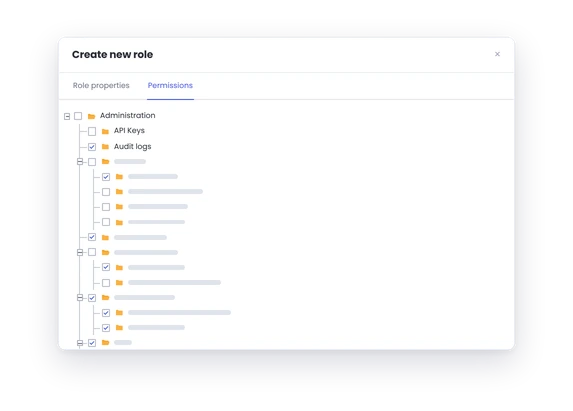
What each role can reach — quoting, purchasing, invoicing, reporting and the rest. Most businesses need two or three roles rather than an elaborate scheme, and two well-maintained roles beat a detailed structure nobody keeps current.
Capability
Project access
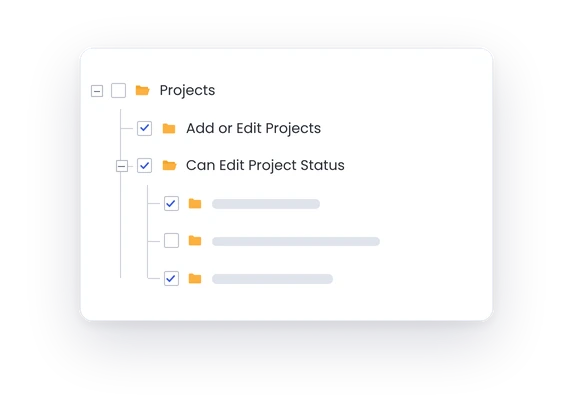
Control over which projects people can see. Relevant where commercial detail on a job isn’t something everyone in the business needs, and more relevant as the team grows past the point where everyone knows everything anyway.
Administrative access
Who can change the setup itself — roles, users, templates, settings. Usually the smallest group in the business and the one worth being deliberate about, because it’s the access that can change everyone else’s.
User changes
People change jobs, and access should follow. Because permissions attach to roles, moving someone is a matter of changing their role rather than remembering every individual setting they were given. Where someone genuinely needs an exception, permissions set on the user override the role.
Day to day
What it looks like on a normal day
The workshop needs job details and timesheets.
Keep the experience focused on that work.
The purchasing team needs orders and suppliers.
Give them what supports that responsibility.
A project chat should only involve the people on that project.
Permissions and project access help keep participation controlled.
What you get out of it
What changes
Keep access closer to responsibility.
Make WorkGuru less cluttered for people who only need part of it.
Protect commercial and operational information from unnecessary access.
Make new-user setup more repeatable.
Keep project conversations to the right people.
-
Discovered their contract work wasn’t profitable.
We didn’t wanna pay 100 grand upfront for a program – but then we found WorkGuru.
Nick Mazzella, Administrator, Frontline Trays & Trailers
Fit
Will it work the way we do things?
“We do not need complicated permissions.”
Good — don’t build complicated permissions. A couple of roles covering office and workshop is a legitimate setup and better than an elaborate scheme nobody maintains. The reason to use roles at all, even with two of them, is that adding the next person becomes a single choice rather than a configuration exercise.
“Some people wear three hats.”
Then their access should reflect the responsibilities they actually have. Assign the role that covers most of what they do and set the extra permissions on the user directly — user-level permissions override the role, so you don’t need a bespoke role for every combination of hats in the business.
“We need row-level or field-level security.”
Its security architecture relies primarily on high-level module visibility, function toggles, and functional user roles.
By trade
Where this gets used
Works with
Connected features
FAQs
Roles & Permissions questions
Does WorkGuru have user roles and permissions?
Yes. Roles are central permission sets that multiple users can be assigned to, so people doing the same job get the same access. Permissions can also be set on an individual user, and those override the role for that person.
Can permissions affect Project Chat?
Yes. Project Chat participation is controlled through permissions and project access.
Can we create different access for workshop and office users?
Yes, and it’s the most common setup. A workshop role that covers recording time and using materials, and an office role that covers quoting, purchasing and invoicing, will suit most businesses. You can add more roles as the shape of the team changes.
Can we change permissions later?
Yes. Roles can be edited, and changing a role changes access for everyone assigned to it — which is usually the point. Individual users can also be adjusted without touching the role they belong to.
Does WorkGuru support field-level permissions?
Yes.
Should we create a unique role for every user?
No — that defeats the purpose. Roles exist so that people doing the same job share a consistent set of permissions. Where one person genuinely needs something different, set it on that user directly rather than creating a role that only ever has one member.
Start with who needs to see what.
We will show you how to keep the access model simple enough to manage and useful enough for the way your team works.