
Home / Features / Project Management / Project Documents & Attachments
Projects & Jobs
Keep the job files with the job.
Drawings, photos and paperwork are a lot easier to find when they’re where you’d expect them to be.
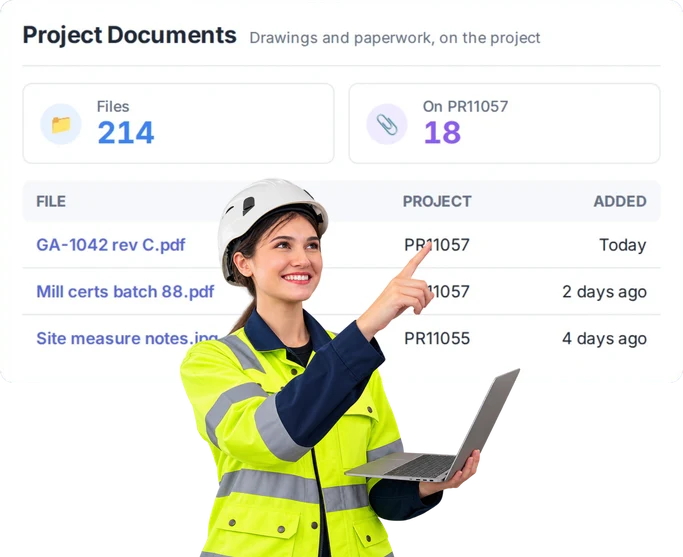
Overview
Stop hunting for the file.
There’s a drawing in someone’s email.
A site photo on someone’s phone.
A document in a shared drive.
And somebody in the workshop is asking which one they’re supposed to use.
Keep project documents and attachments with the job they belong to.
When someone needs the information, they know where to look.
What’s inside
What you get
01
Project documents
Keep job-specific documents against the project.
02
Attachments
Add the files that matter to the work.
03
Photos
Keep visual information with the job rather than on individual phones.
04
Job history
Keep useful project information available after the work has moved on.
05
Connected project information
Documents sit alongside the other information about the job.
The reality
Finding the right file shouldn’t be half the job.
“Can you send me that drawing again?”
You sent it yesterday. And last Tuesday.
There are three versions floating around.
Someone inevitably has the wrong one.
Site photos live on someone’s phone.
Great until somebody else needs them.
The paperwork exists. Somewhere.
Finding it is the problem.
The job’s finished and a question comes back six months later.
Now you’re digging through old emails trying to piece it together.
How it works
Put the information where the work is.
01
Open the project
02
Add the document or attachment
03
Give the team one place to look
04
Keep it for later
Capabilities
What it does
Capability
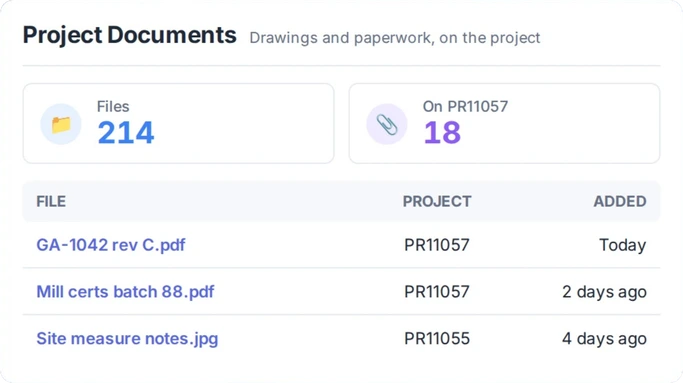
Project documents
Keep job-specific documents against the project.
Capability
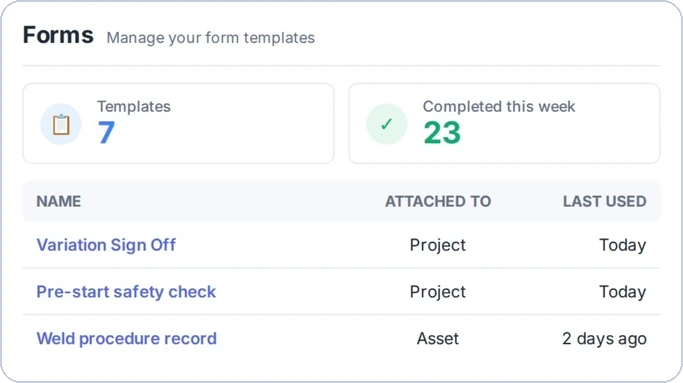
Attachments
Add the files that matter to the work.
Capability
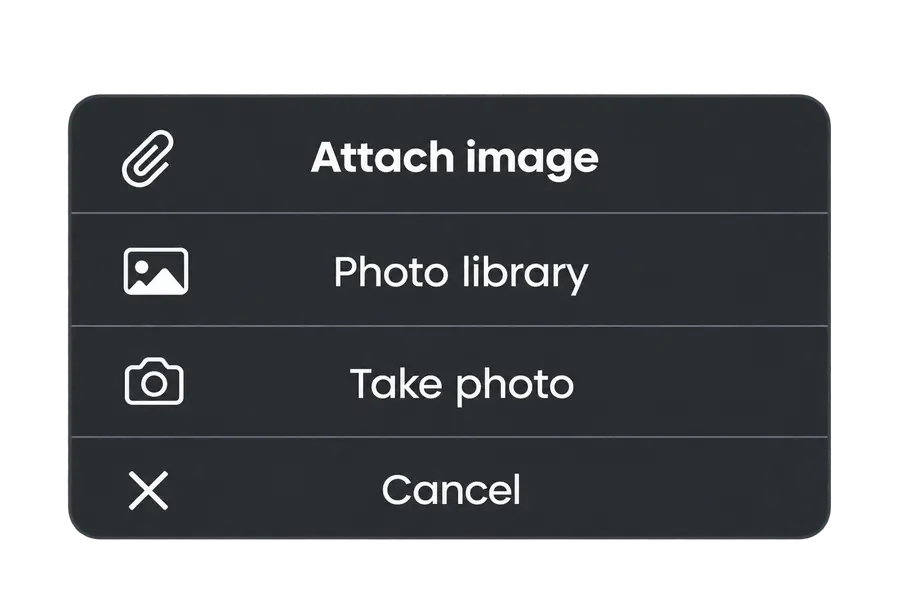
Photos
Keep visual information with the job rather than on individual phones.
Job history
Keep useful project information available after the work has moved on.
Connected project information
Documents sit alongside the other information about the job.
Day to day
What does that actually look like?
A revised drawing comes through.
Put it against the job. The workshop knows where to look instead of relying on whichever email somebody forwarded.
Someone takes photos on site.
Keep them with the project. When the office needs them later, they’re not trying to work out whose phone they’re on.
The customer asks about something six months later.
Open the old job. The information you kept with it is still there to help work out what happened.
What you get out of it
What changes
Spend less time looking for things
Give people an obvious place to start.
Keep job information together
The file makes more sense when it’s with the work it’s about.
Make handovers easier
The next person doesn’t need somebody else to forward everything.
Keep useful history
When an old job comes back up, you’ve got somewhere to look.
Stop relying on individual inboxes and phones
Keep business information with the business.
-
Discovered their contract work wasn’t profitable.
We didn’t wanna pay 100 grand upfront for a program – but then we found WorkGuru.
Nick Mazzella, Administrator, Frontline Trays & Trailers
Fit
Will it work the way we do things?
“We already have somewhere to store files.”
That’s fine.
“We use SharePoint/Google Drive/Dropbox.”
You might keep using it. The useful bit here is having the documents people need while they’re looking at the job.
“We have a lot of documents.”
Not everything in the business needs to live against a project. Keep the things that matter to that job there.
“Our drawings change.”
Exactly why people need a clear place to look for the information around the job.
“Our guys just get files emailed to them.”
That works until somebody needs the same file later, or the person it was emailed to isn’t there.
By trade
Where this gets used
Works with
Connected features
Project Management
Keep files with the rest of the job.
Project Chat
Keep conversations and supporting information around the same project.
Forms
Keep completed job information connected to the work.
Asset Management
Keep relevant information around assets and the work done on them.
Roles & Permissions
Control access to WorkGuru information.
FAQs
Project Documents & Attachments questions
Can we keep documents against individual projects?
Yes. Project documents and attachments stay with the job they’re for.
Can we keep photos with a project?
Yes. Photos and other useful attachments can be kept with project information.
Is this meant to replace our whole document storage system?
Not necessarily. The point is to keep the documents needed to run the job where the team is already looking at the job.
Stop looking everywhere for job information.
See how WorkGuru keeps the important stuff with the project.