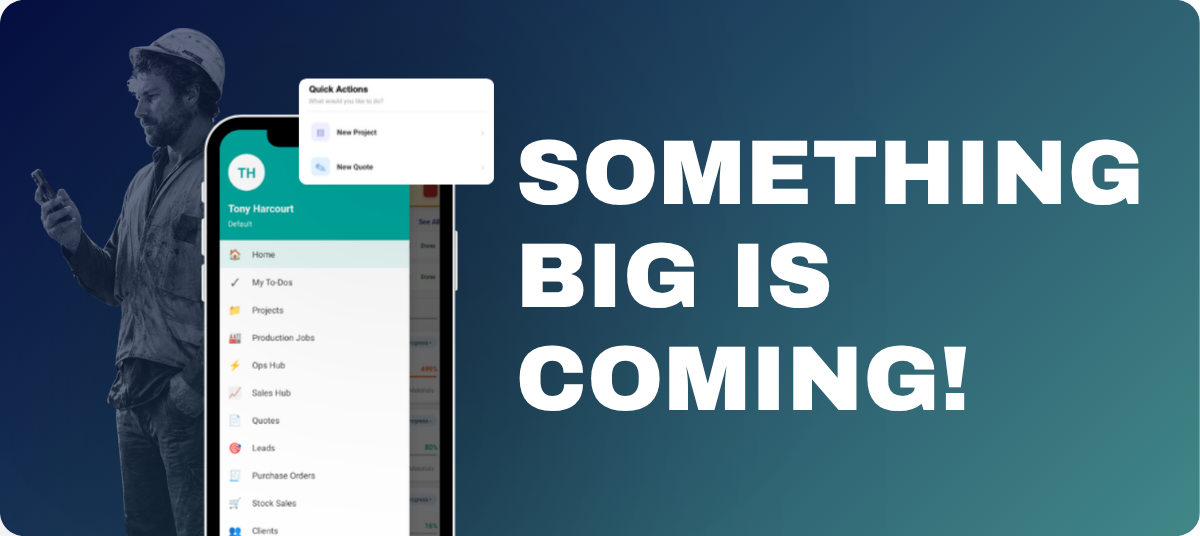
The WorkGuru Mobile App has just had a serious overhaul. It's gone from being a handy data entry tool to a proper way to run your whole business straight from your pocket.
Pre-release kicks off this week, and very soon you'll be able to do nearly everything from your phone. Whether you're creating Leads, sending Quotes, kicking off Projects, or approving timesheets, it's all sitting right there ready to go.
We've also put a heap of work into cutting down the taps it takes to actually do something. Starting a timesheet on a task is now a single button on that task, which means when you're out on site and need to clock onto a job, you're not fumbling through different screens to get there.
The whole home page and menu navigation has been rebuilt from the ground up, so you can find what you need without hunting around for it.
Next time you jump into the app between jobs, the things you actually use day to day will be sitting right where you'd expect them, which means less time tapping and more time getting on with work.
QUOTES AND PROJECTS
Create Quotes and Projects From Your Phone
You can now spin up Quotes and Projects directly from your phone, which means a Tuesday afternoon site visit doesn't have to wait until Wednesday morning when you're back at the desk.
Quote the customer on the spot and get the project rolling there and then.
TASK MANAGEMENT
Assign and Complete To Dos
To Dos can now be assigned and ticked off straight from the app, so when something pops up during a site walkaround or a job needs sorting while you're still out and about, you can flick it to the right person on the spot.
No more sticky notes or hoping you'll remember it when you get back to the office, just open the app, assign it, and move on with your day.
MOBILE PURCHASING
Better Support for Mobile Purchases
Raising purchase orders from your phone is now quick and easy, which means you can get a PO out to a supplier in a few taps without needing to be at a computer.
Whether you're on site, in the ute, or out at the supplier yourself, you can get the order locked in then and there and keep the job moving.
ASSETS
Asset Visibility and Search
You can now see and search your full asset list from the app, so when a customer rings up about a piece of equipment they had in for service a couple of years ago, you can pull up the history while you're still on the call.
That means no more "let me get back to you" while you dig through folders, just answers on the spot.
SALES & OPS HUBS
Run Your Sales and Operations from the Hubs
Both the Sales Hub and Ops Hub are fully accessible on mobile, which means you can keep eyes on your pipeline and what's at risk no matter where you are.
So if you're between site visits or grabbing a coffee before your next meeting and want to do a quick check on overdue follow-ups or see which jobs are slipping, it's all right there in your pocket without needing to fire up a laptop.
TIMESHEET TRACKING
Geolocation on Timesheets
For teams that need it, mobile timesheets can now capture geolocation. Which means if you've got staff spread across multiple sites, you can verify they were actually where they said they were when they logged their hours, and the team on the tools doesn't have to do anything differently to make it happen.
And There's More Coming
This is just the start of what we've got planned. We're committed to giving you the best Web and Mobile experience going around, and we've got plenty more in the pipeline.