
Feature
Give people what they need. Not everything.
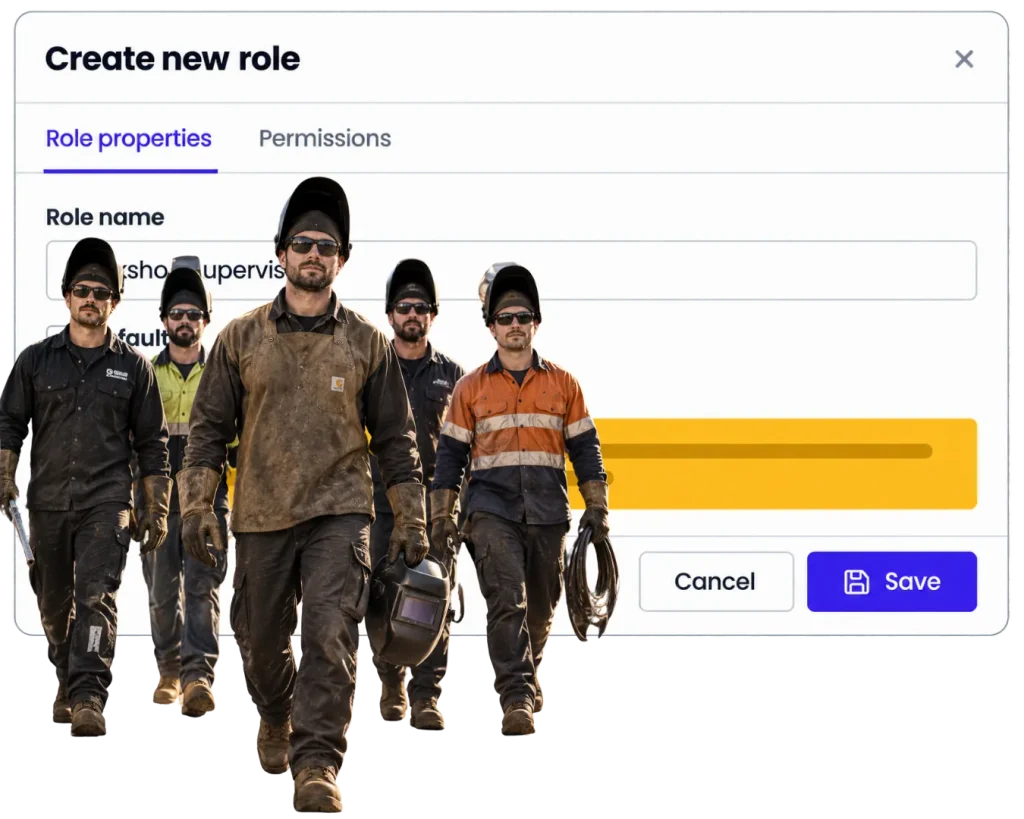
Set up the team, control access and keep WorkGuru useful for the people actually doing the work.
Overview
Good access control should mostly stay out of the way.
The estimator needs quoting. The workshop needs the job. Purchasing needs orders. Accounts needs invoicing. Not everybody needs every screen, every conversation or every commercial number.
WorkGuru gives you roles and permissions so people can get to the parts they need without turning the whole system into an open cupboard.
The reality
Why you need it
Everyone gets the same access because it is quicker to set up.
It is also harder to unwind later.
People can see information they do not need for their job.
Someone cannot get to the thing they actually need, so they work around the system instead.
A staff member changes role and their access never changes with them.
Someone leaves and the business has to remember everywhere they had access.
The permission setup becomes so complicated nobody is confident changing it.
How it works
How it works
01
Add the people who use WorkGuru
02
Set up sensible roles around the way the business works
03
Give each role the access it actually needs
04
Adjust access when responsibilities change
05
Review it when people join, move roles or leave
What you get out of it
What changes
Keep the system simpler for each person.
Reduce unnecessary access to business information.
Make onboarding easier with a sensible starting role.
Change access when responsibilities change.
Keep operational responsibility clearer inside the system.
-
Discovered their contract work wasn’t profitable.
We didn’t wanna pay 100 grand upfront for a program – but then we found WorkGuru.
Nick Mazzella, Administrator, Frontline Trays & Trailers
Fit
Will it work the way we do things?
“We are only a small team.” Small teams still have different responsibilities.”
Keep the setup simple, but do not assume everyone needs everything.
“Permissions always become a mess.” They do when they are built person by person.”
Start with a few sensible roles around the work people actually do.
“Our managers need broad access.” Give it to them where it makes sense.”
The point is not restriction for the sake of it.
“We need enterprise identity management.” Exact SSO, MFA, directory and identity-provider support must be confirmed before those claims go live.”
By trade
Where this gets used
FAQs
Team, Security & Permissions questions
Can WorkGuru control what different users can access?
Yes. WorkGuru includes roles and permissions for controlling access to product areas and project conversations.
Can different types of staff have different permissions?
Yes. Roles and permissions are intended to give different users access based on what they need to do.
Can project chat access be controlled?
Yes. Project Chat participation is controlled through WorkGuru permissions and project access.
Can we change a user’s access when their role changes?
The user and permission model is intended to support changing access; exact administration behaviour should be product-reviewed before publishing.
Does WorkGuru support SSO or MFA?
Do not publish a claim until current security and authentication options have been confirmed.
Should every employee have full access?
Usually not. Give people the access required for their responsibilities and keep the setup as simple as you can.
Set the team up the way they actually work.
Show us who does what in the business and we will show you how the access model can stay useful without becoming a mess.